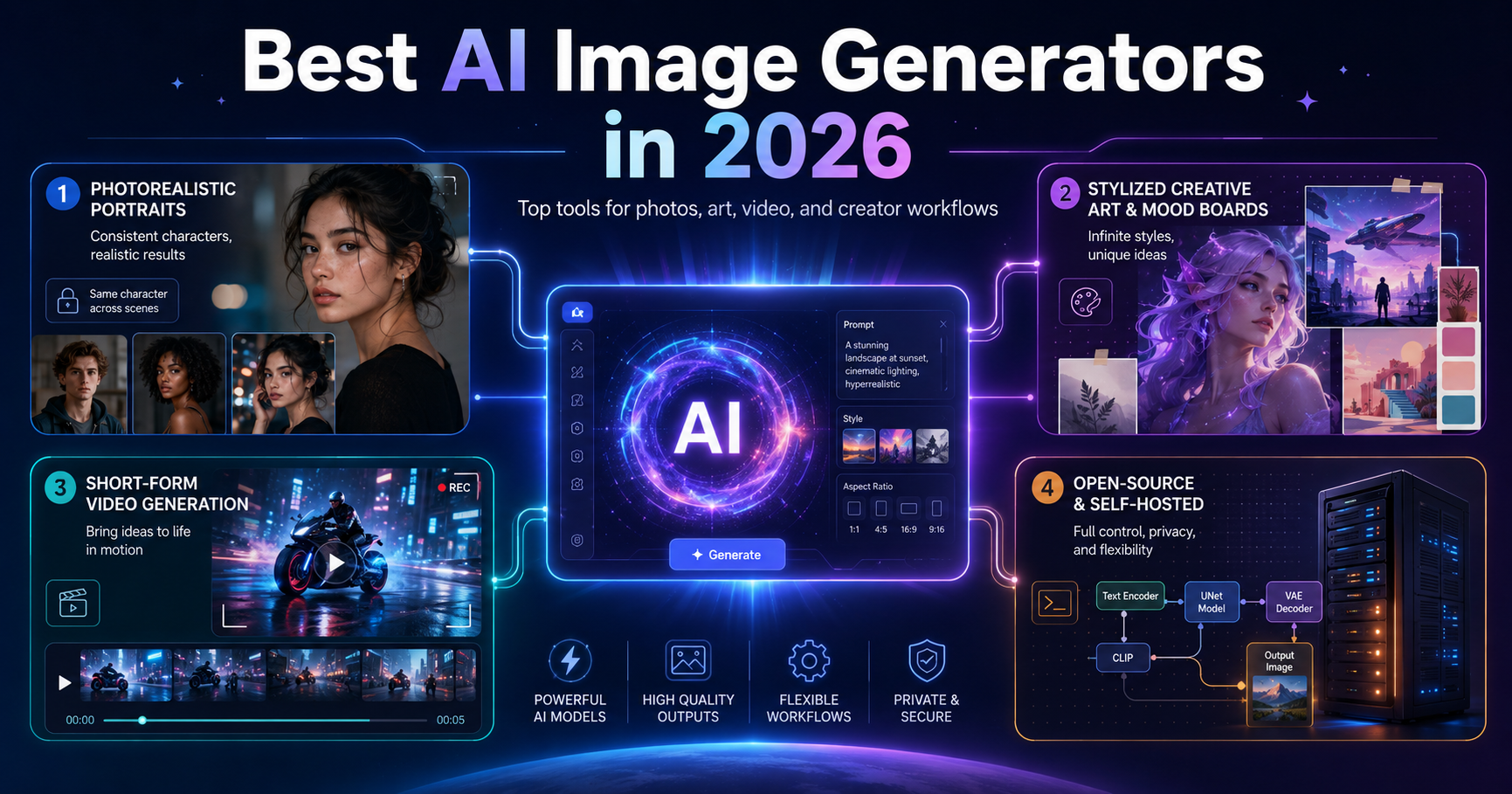
Choosing the best AI image generator in 2026 is not as simple as picking one winner and handing it a shiny robot crown.
The honest answer is this: the best AI image generator depends on what you are trying to create.
A tool that is excellent for cinematic fantasy artwork may not be the best option for consistent AI influencers. A platform that works well for short-form AI videos may not be ideal for product mockups. A self-hosted model may give technical users more control, but it may overwhelm beginners who simply want to generate a clean image for a blog post or social campaign.
That is why ranking every AI image generator with one universal score can be misleading. It is like comparing a sports car, a pickup truck, and a film camera using the same checklist. You can do it, but the result will probably be strange.
A better approach is to choose by use case.
Disclosure
Some tools mentioned in this article may offer paid plans, credits, subscriptions, or commercial features. Pricing and feature availability can change at any time, so always check each tool’s official website before subscribing.
This article is written as an editorial guide, not financial, legal, or business advice. If this page contains affiliate links, we may earn a commission at no extra cost to you. That does not affect our editorial recommendations.
How We Evaluated These AI Image Generators
To make the comparison more useful, we grouped tools by the type of output they are best suited for:
- Photorealistic creator content
- Consistent AI characters
- Stylized and editorial artwork
- AI video generation
- Talking-head avatar videos
- Open-source and self-hosted workflows
- Ease of use
- Creative control
- Pricing structure
- Commercial usefulness
We did not try to declare one universal winner, because most creators do not need “the best AI image generator.” They need the right tool for the job.
Quick Comparison: Best AI Image Generators by Use Case
| Use Case | Best-Fit Tools | Why They Stand Out | Watch Out For |
|---|---|---|---|
| Consistent AI characters | Foxy AI, RenderNet | Useful for recurring personas, influencer-style content, and branded characters | Check character rights, commercial terms, and realism limits |
| Creative and stylized art | Midjourney, Leonardo AI, DALL·E via ChatGPT | Strong for mood, style, composition, and creative exploration | Not always ideal for strict character consistency |
| AI video generation | Runway, Higgsfield, Kling | Built around motion, camera feel, clips, and video workflows | Credit usage can become expensive |
| Talking-head avatar videos | HeyGen | Useful for explainers, training videos, sales videos, and presenter-style content | Not a general-purpose image generator |
| Technical control | Stable Diffusion, FLUX workflows | Flexible, customizable, and suitable for advanced users | Requires setup, experimentation, and technical comfort |
| Beginners | DALL·E via ChatGPT, Leonardo AI | Easier prompting and friendlier interfaces | Less control than advanced local workflows |
Best AI Image Generators for Photorealistic Content and Consistent Characters
If you are creating a personal brand, virtual influencer, recurring campaign, or serial social media content, character consistency matters more than raw artistic flair.
You do not just need one beautiful image. You need the same face, same visual identity, and same character style to appear again and again.
That is where tools focused on consistent characters become more useful than general-purpose art generators.
Foxy AI
Foxy AI is a strong option for creators, marketers, and businesses that want to generate social-style AI photos and videos quickly. Its official site describes the product as an AI image and video generator for creators, marketers, and businesses that want to create content for social media.
The main appeal of Foxy AI is not just image generation. It is the creator-first workflow. It is designed for people who want repeatable content, not just one experimental image.
Foxy AI may be a good fit if you want to create:
- AI influencer-style visuals
- Social media photos
- Creator-style content
- Brand persona images
- Short-form visual assets
- AI photo and video content from one platform
It is less ideal if you want deep technical control over every generation parameter. For that, a more advanced workflow like Stable Diffusion, FLUX, or a character-control platform may be better.
Best for: creators and marketers who want fast, repeatable AI photo and video content.
Not best for: technical users who want full model-level control.
RenderNet
RenderNet, now associated with Affogato in its documentation, is better suited for users who care about consistent characters and character-driven image generation. Its API documentation describes a character creation system where users can create a character with a unique name and use that character in prompts to generate consistent images.
That makes RenderNet useful for projects where identity continuity matters.
For example:
- A fictional spokesperson
- A virtual influencer
- A recurring campaign character
- A branded mascot
- A visual novel or story character
- A repeated face across multiple scenes
RenderNet is more appealing when you want control over the same character across different prompts. The tradeoff is that more control often means more setup, more tweaking, and a slower creative workflow.
Best for: consistent characters and identity control.
Not best for: users who want the fastest possible one-click image workflow.
Glam AI and Similar Portrait-Focused Tools
Portrait-focused AI tools are useful when your main goal is polished people photography: close-up faces, beauty-style shots, fashion portraits, lifestyle imagery, or social profile content.
These tools are usually narrower than all-purpose generators, but that narrowness can be useful. If a platform is built mainly for portraits, it may give better results for headshots, beauty lighting, skin detail, and influencer-style imagery than a broader creative art tool.
The limitation is scope. A portrait-first tool may not be the best option for fantasy environments, product mockups, complex compositions, or experimental art styles.
Best for: beauty, fashion, headshots, lifestyle portraits, and influencer-style visuals.
Not best for: broad creative art, cinematic scenes, or complex worldbuilding.
Stable Diffusion for Consistent Characters
Stable Diffusion remains one of the strongest options for technically comfortable users who want control. With custom models, LoRA training, DreamBooth-style workflows, ControlNet, and local interfaces, it can be used to create consistent characters at a high level.
The upside is flexibility. The downside is setup.
Stable Diffusion is not usually the “open the app and post by lunch” option. It is more like building your own creative workstation in the garage: wires everywhere, fans humming, magnificent chaos.
Best for: advanced users who want customization, privacy, and low per-image cost after setup.
Not best for: beginners who want a simple web app.
Best AI Image Generators for Creative, Stylized, and Editorial Art
If your goal is mood boards, concept art, editorial visuals, fantasy scenes, album-cover-style imagery, posters, or high-end aesthetic exploration, you should look at tools built for visual style and composition.
In this category, consistency is useful, but beauty, atmosphere, and creative direction matter more.
Midjourney
Midjourney remains one of the strongest choices for polished, stylized, and visually dramatic images. It is especially compelling when you want strong composition, lighting, mood, and aesthetic quality from a single prompt.
Midjourney’s official documentation lists four plan categories: Basic, Standard, Pro, and Mega.
Midjourney is a good fit if you want:
- Concept art
- Editorial images
- Posters
- Fantasy scenes
- Cinematic images
- Mood boards
- Album-style artwork
- Highly stylized visual exploration
The catch is that Midjourney is not always the easiest choice for maintaining the exact same character identity across a long content series. You can achieve some consistency with careful prompting and reference features, but if strict character continuity is your main goal, tools built around character consistency may be better.
Best for: beautiful single images, art direction, and visual experimentation.
Not best for: large-scale recurring character content where the same face must stay perfectly consistent.
Leonardo AI
Leonardo AI is a strong alternative for creative image generation, especially for users who want a more interface-driven workflow. Its official pricing page lists supported image models including Lucid Origin, Lucid Realism, Phoenix 1.0, Phoenix 0.9, FLUX Dev, and FLUX Schnell.
Leonardo AI is useful for creators who want a balance between accessibility and creative control. It can work well for:
- Game assets
- Concept art
- Social visuals
- Character ideas
- Product-style images
- Marketing graphics
- Creative experimentation
Compared with Midjourney, Leonardo may feel more approachable for users who prefer a traditional web interface rather than a prompt-heavy creative environment.
Best for: creators who want a flexible image-generation platform with multiple models and a friendlier interface.
Not best for: users who only care about the most dramatic artistic output and do not mind a steeper creative workflow.
DALL·E via ChatGPT
DALL·E through ChatGPT is one of the easiest options for people who prefer a conversational workflow.
Instead of learning a complex prompting system, you can describe what you want in plain English, ask for revisions, change the composition, adjust the mood, or request a new version. This makes it especially useful for non-technical users, writers, marketers, educators, and small business owners.
It may not always beat Midjourney on pure visual drama, but for ease of use, it is hard to ignore.
Best for: beginners, writers, marketers, and users who want to generate images through conversation.
Not best for: users who need advanced model-level control or highly specialized local workflows.
Best AI Tools for Video Generation
AI video should be treated as its own category.
Do not judge video tools by the same rules as still-image generators. Motion, camera control, temporal consistency, pacing, editing workflow, and credit usage matter just as much as image quality.
Runway
Runway is one of the more established AI video platforms. Its official pricing page lists Free, Standard, Pro, Unlimited, and Enterprise options, with plan-based features and flexible credits.
Runway is especially relevant for creators working on:
- Cinematic short clips
- Music video concepts
- Commercial tests
- AI film experiments
- Motion-heavy creative projects
- Brand video assets
Runway is not just an image generator with video bolted on top. It is built around creative video workflows, which makes it a serious option for filmmakers, agencies, and advanced creators.
Best for: cinematic AI video and polished creative experiments.
Not best for: users who only need simple blog images or static social posts.
Higgsfield
Higgsfield is useful for short, dynamic clips where camera motion, visual energy, and stylized movement matter. Its official pricing page describes plans for AI videos, animations, ads, and image generation, with credit usage depending on model, resolution, and clip length.
This makes Higgsfield a good option for creators who want punchy visual clips rather than static image outputs.
It may be especially useful for:
- Short-form social videos
- AI ads
- Motion-heavy visual concepts
- Camera-effect-driven clips
- Experimental creative videos
The main thing to watch is credit usage. AI video can burn through credits quickly, especially when generating multiple versions.
Best for: short, energetic AI clips and social-style video experiments.
Not best for: users who need only still images.
Kling
Kling has become one of the major AI video names to watch. Recent reporting described Kuaishou’s Kling unit as a significant generative AI video business competing with companies such as Google, Runway, and ByteDance, with international reach in markets including the U.S., Europe, and Japan.
Kling is relevant if you are comparing AI video tools for:
- General-purpose video generation
- Social clips
- Cinematic experiments
- AI motion tests
- Creator workflows
Because AI video pricing, availability, and model quality are changing quickly, Kling is worth checking directly before making a long-term commitment.
Best for: users exploring modern AI video generation and alternative video models.
Not best for: people who need a stable, simple, image-only workflow.
HeyGen
HeyGen belongs in a different bucket. It is not really competing with Midjourney, Leonardo, or Stable Diffusion.
HeyGen is designed for AI avatar and presenter-style videos. Its official pricing page positions the product around AI video creation for creators and marketers.
HeyGen is useful for:
- Talking-head videos
- Product explainers
- Sales videos
- Training content
- Course modules
- Internal company updates
- Multilingual presenter videos
If you need a digital spokesperson on screen without booking a studio, HeyGen can be extremely practical. But if you want fantasy art, cinematic landscapes, or still-image generation, it is the wrong category.
Best for: avatar videos, explainers, training content, and presenter-style business videos.
Not best for: general image generation or creative art.
Best Open-Source and Self-Hosted AI Image Generators
For users who want ownership, customization, privacy, and technical control, open-source and self-hosted workflows are still very important.
Stable Diffusion
Stable Diffusion remains the main open-source ecosystem for AI image generation. Its biggest advantage is the surrounding community: custom models, LoRAs, workflows, extensions, interfaces, and tutorials.
Stable Diffusion is powerful because it can be adapted to many use cases:
- Character consistency
- Product mockups
- Style-specific image generation
- Private local generation
- Custom model training
- Research workflows
- Batch generation
- Advanced image editing
The tradeoff is complexity. You may need to understand models, checkpoints, samplers, prompts, extensions, GPU requirements, and licensing details.
Best for: technical creators who want deep control.
Not best for: casual users who want instant results.
FLUX Workflows
FLUX has become an important model family for creators who like experimenting with newer image-generation workflows. It is often used through third-party platforms, APIs, local tools, or services that support FLUX models.
Leonardo AI’s pricing page, for example, currently lists FLUX Dev and FLUX Schnell among its supported image models.
The appeal of FLUX is similar to Stable Diffusion: flexibility, experimentation, and the ability to build custom pipelines depending on the platform or workflow you use.
Best for: technical creators, AI artists, and users experimenting with newer image models.
Not best for: users who want a simple all-in-one beginner platform.
Which AI Image Generator Should You Choose?
The best answer is not one tool. It is usually a small tool stack.
Most serious creators will eventually use different tools for different jobs:
| Goal | Recommended Tool Type |
|---|---|
| Beautiful one-off artwork | Midjourney or Leonardo AI |
| Conversational image creation | DALL·E via ChatGPT |
| Consistent AI characters | Foxy AI, RenderNet, Stable Diffusion workflows |
| AI influencer-style content | Foxy AI, RenderNet, portrait-focused tools |
| Cinematic AI video | Runway, Kling, Higgsfield |
| Presenter/avatar videos | HeyGen |
| Local control and customization | Stable Diffusion or FLUX workflows |
| Beginner-friendly creation | DALL·E via ChatGPT or Leonardo AI |
If you are a blogger, you probably do not need the most advanced setup. A conversational generator or an accessible platform may be enough.
If you are a creator building a recurring AI persona, character consistency matters more than artistic variety.
If you are an agency producing ads, video tools and credit costs may matter more than still-image quality.
If you are a technical user, open-source workflows may offer the most control.
Common Mistakes When Choosing an AI Image Generator
Mistake 1: Choosing Based Only on Image Quality
Beautiful output is important, but it is not everything.
A tool can create stunning images and still be wrong for your workflow if it lacks commercial rights, batch generation, consistent characters, or predictable pricing.
Mistake 2: Ignoring Credit Costs
Many AI tools use credits. A plan may look cheap until you realize that high-resolution images, video clips, upscaling, variations, and reruns all consume credits.
Before subscribing, check:
- Monthly credits
- Cost per generation
- Rollover rules
- Video credit usage
- Commercial rights
- Export resolution
- Watermarks
- Team access
- Refund policy
Mistake 3: Expecting One Tool to Do Everything
No single AI generator is best at everything.
The tool that creates the best fantasy poster may not create the most consistent AI character. The tool that creates great avatar videos may not generate strong editorial images. The local model that gives the most control may require too much setup for daily use.
Mistake 4: Ignoring Commercial Rights
If you are using AI images for business, ads, client work, digital products, or monetized content, read the terms carefully.
Check whether your plan allows:
- Commercial use
- Client work
- Resale
- Ads
- Merchandising
- Logo use
- Character reuse
- Public or private generations
Do not assume every paid plan gives the same rights.
Final Verdict: There Is No Single Best AI Image Generator
The best AI image generator in 2026 is not one universal winner.
It depends on what you are making.
Use Foxy AI or RenderNet when character consistency and creator-style content matter. Use Midjourney or Leonardo AI when you need beautiful creative art. Use DALL·E via ChatGPT when you want an easy conversational workflow. Use Runway, Higgsfield, or Kling when your project moves into video. Use HeyGen when you need presenter-style avatar content. Use Stable Diffusion or FLUX workflows when you want technical control, customization, and more ownership over the process.
The practical answer is simple:
Do not search for the single best AI image generator. Build the best tool stack for your workflow.
The crown does not sit on one robot’s head. It moves depending on the job.
FAQ
What is the best AI image generator in 2026?
There is no single best AI image generator for everyone. Midjourney is excellent for stylized art, Leonardo AI is strong for flexible creative workflows, DALL·E via ChatGPT is easy for beginners, Foxy AI and RenderNet are useful for consistent creator-style characters, and Stable Diffusion or FLUX workflows are better for technical users.
What is the best AI image generator for beginners?
DALL·E via ChatGPT and Leonardo AI are among the easiest options for beginners. They are more approachable than local Stable Diffusion workflows and do not require as much technical setup.
What is the best AI image generator for consistent characters?
Foxy AI, RenderNet, and advanced Stable Diffusion workflows are good options to explore if consistent characters are important. The best choice depends on whether you prefer a simple creator platform or deeper technical control.
What is the best AI image generator for artists?
Midjourney and Leonardo AI are strong choices for artists who want stylized, creative, or editorial visuals. Stable Diffusion and FLUX workflows may be better for artists who want more technical control and customization.
What is the best AI tool for AI video?
Runway, Higgsfield, and Kling are strong AI video tools to compare. Runway is well known for creative video workflows, Higgsfield is useful for short dynamic clips, and Kling has become a major AI video platform to watch.
Is Stable Diffusion still worth using in 2026?
Yes, especially for technical users. Stable Diffusion remains valuable because of its flexibility, community, local workflows, custom models, and control. However, it is less beginner-friendly than web-based tools.
Are AI-generated images safe for commercial use?
They can be, but it depends on the tool, plan, license, and use case. Always check the official commercial terms before using AI images in ads, client work, merchandise, or monetized content.
Should I pay for an AI image generator?
Paying makes sense if you need higher volume, commercial rights, faster generation, better quality, private generations, or video features. If you are still experimenting, start with a free or low-cost plan before upgrading.
2 thoughts on “Best AI Image Generators in 2026: Why There Is No Single “Best” Tool”